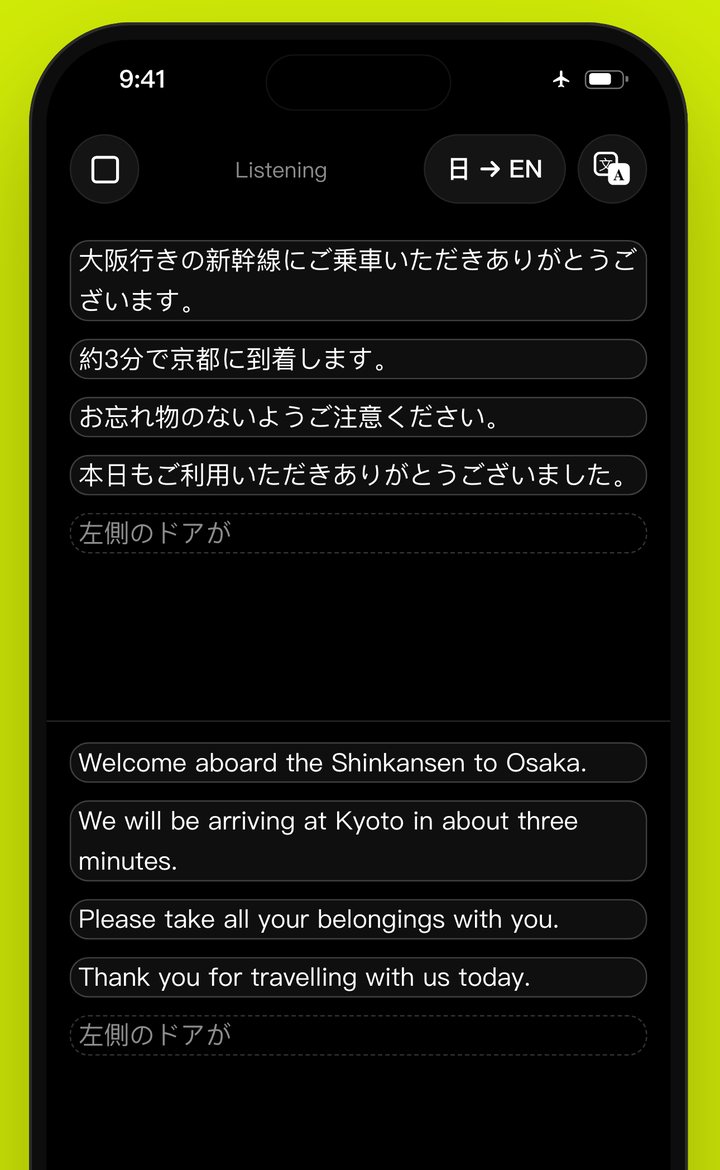
Instant translation, offline
Offline
An offline translator that truly needs no internet. Sayyi is a voice translator that computes everything on your iPhone, so it keeps working as a no internet translator on a plane, abroad without a SIM, or anywhere you need a no WiFi translator.
Instant
An instant translator, a real time translator, a fast translator: captions appear as people speak, and the translation lands the moment a sentence ends — with no round trip to a server.
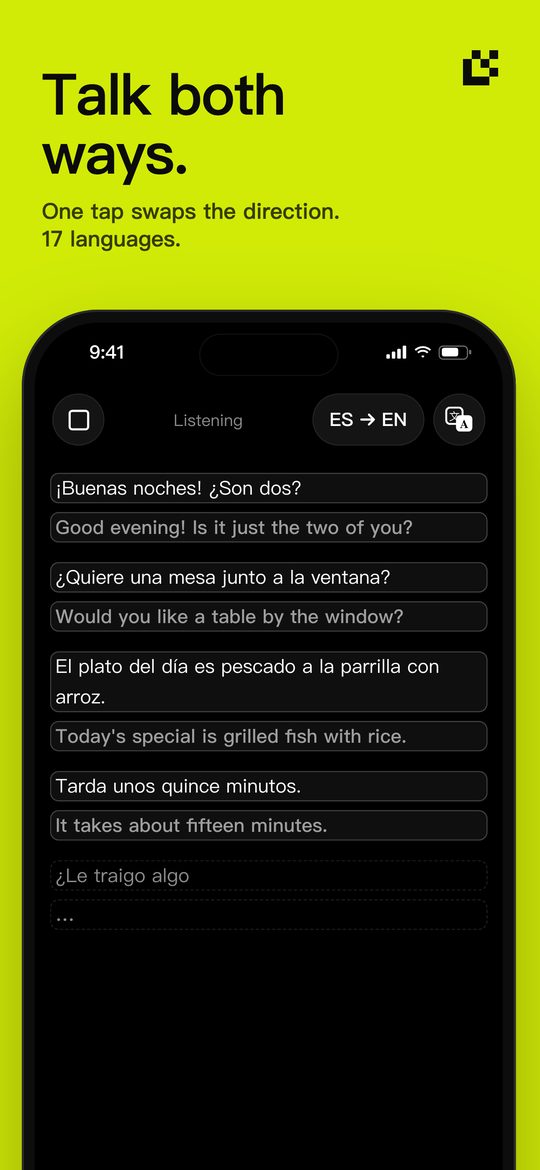
Both ways
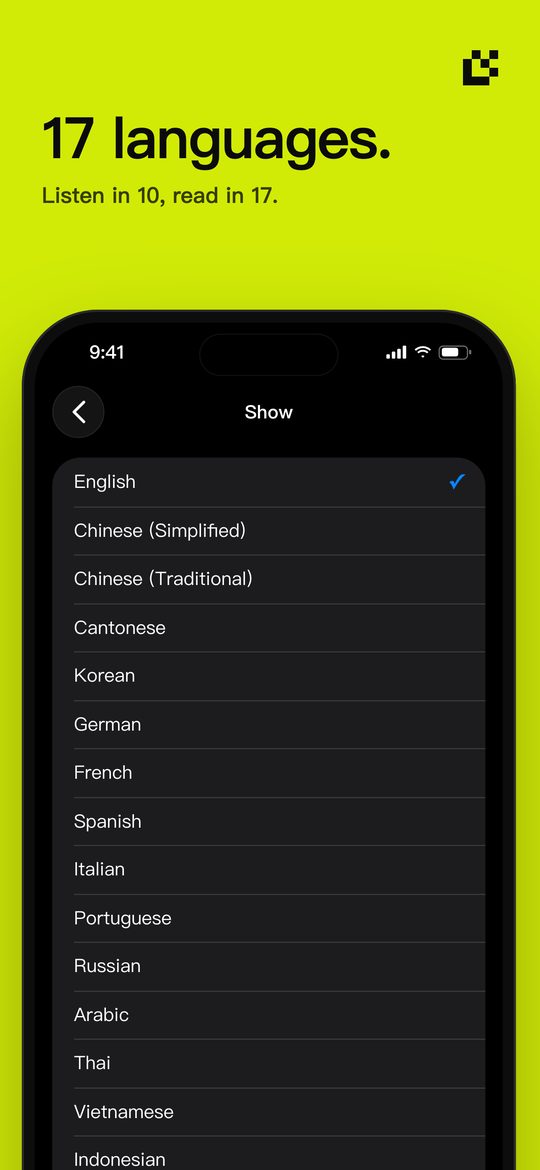
A two-way translator for real conversations: 17 languages, one tap to swap. Use it as a conversation translator, a travel translator or a pocket interpreter — a multi language translator in one free app.
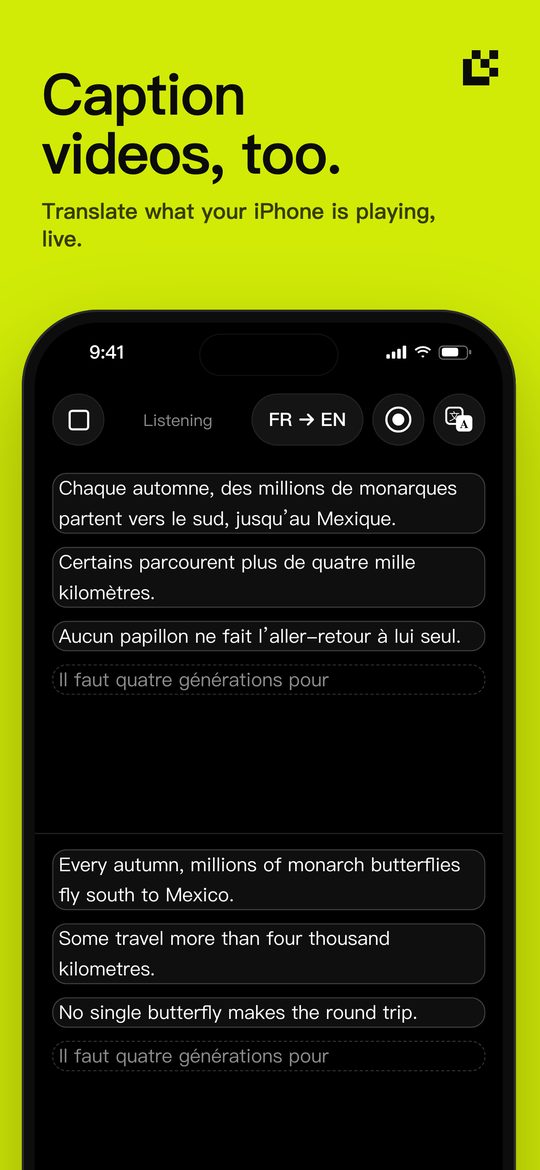
Video
A video translator too: live caption and translate what your iPhone is playing — videos, podcasts, calls.
What it does
- Listens in English, Mandarin, Cantonese, Japanese, Korean, German, French, Spanish, Italian and Portuguese
- Translates into 17 languages, including Russian, Arabic, Thai, Vietnamese, Indonesian and Turkish
- Works in Airplane Mode once a language is downloaded — abroad, on a plane, underground
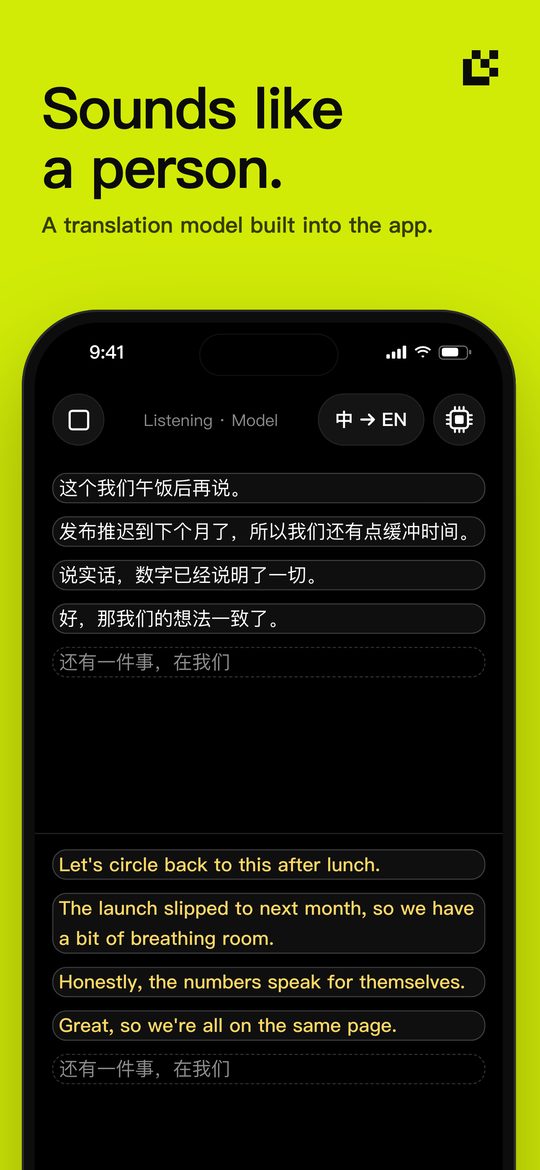
- A translation model built into the app for more natural sentences
- Caption what your iPhone is playing: videos, podcasts, calls
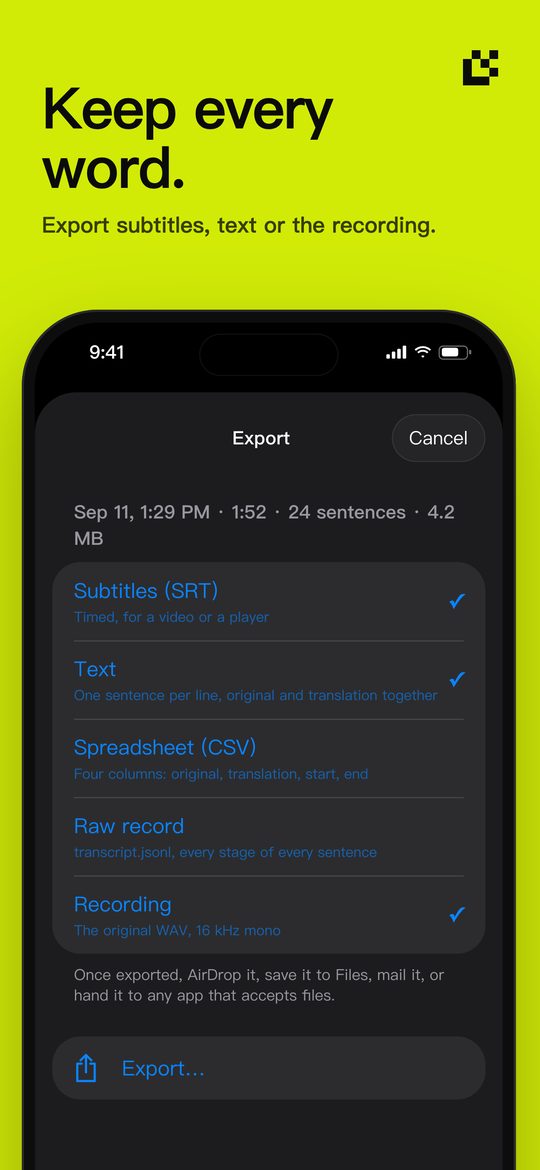
- Save any session as subtitles (SRT), text, a spreadsheet or the recording
- Everything stays on your phone. You decide how long to keep it.
Languages
Listens to
- English
- Mandarin (Mainland China)
- Mandarin (Taiwan)
- Cantonese
- Japanese
- Korean
- German
- French
- Spanish
- Italian
- Portuguese
Translates into
- English
- Chinese (Simplified)
- Chinese (Traditional)
- Cantonese
- Japanese
- Korean
- German
- French
- Spanish
- Italian
- Portuguese
- Russian
- Arabic
- Thai
- Vietnamese
- Indonesian
- Turkish
Private by design
Speech recognition and translation run on your iPhone. There is no server, no account and no analytics. Recordings, captions and translations stay on the phone until you export them or delete them.
Questions
Is there a translator app that works without internet?
Yes — Sayyi. It is a free iPhone app that translates speech offline: recognition and translation run on the device, so it works with no Wi-Fi or mobile data, including in Airplane Mode.
What is on-device (local) translation?
Translation that runs on your own phone instead of a server. It works without a connection, has no network delay, and keeps what you say private because nothing is sent anywhere.
Does Sayyi work without internet?
Yes. Speech recognition and translation run on your iPhone. Download a language once when the app asks, and from then on Sayyi works the same in Airplane Mode — abroad, on a plane or underground.
Which languages does Sayyi support?
Sayyi listens to English, Mandarin (Mainland China and Taiwan), Cantonese, Japanese, Korean, German, French, Spanish, Italian and Portuguese. It translates into all of these plus Traditional Chinese, Russian, Arabic, Thai, Vietnamese, Indonesian and Turkish — 17 languages in all.
Is Sayyi free?
Yes. Sayyi is free on the App Store, with no in-app purchases, no subscription and no account.
Does Sayyi upload my voice or my conversations?
No. Audio, captions and translations never leave your iPhone unless you export a session or send feedback yourself, and you see exactly what is sent before it goes.
Can I use it for a conversation?
Yes. Sayyi translates one direction at a time. Swap the direction in Settings so the other person can answer; the screen starts clean each time.
Can it translate a video, a podcast or a call on my iPhone?
Yes. Switch the audio source to this iPhone and Sayyi captions and translates what the phone is playing, without holding it to a speaker.
What do I need?
An iPhone running iOS 26 or later. The built-in translation model needs no download; system translation languages download once.